Disdiar
Disdiar
Disdiar (DIS-dee-ar) is a Discord bot for rolling dice in Draw Steel.
You can add it on a server you control, or as a personal bot in your own Discord account.
Roll Dice
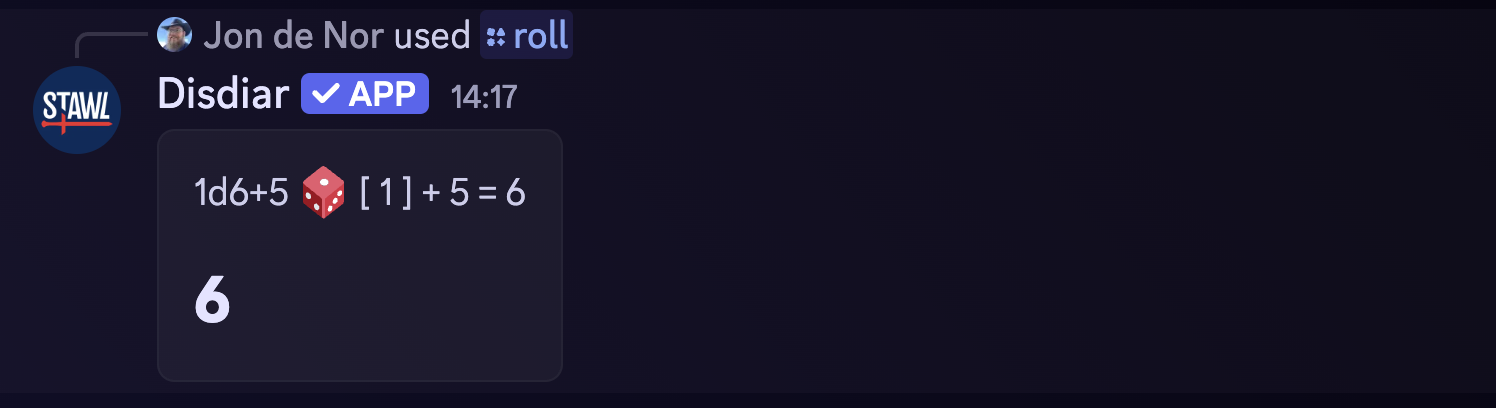
For convienence, Disdiar includes a simple /roll command to roll any combination of dice. The following command:

will roll two six-sided dice, three eight-sided dice, and add five to the total. The result looks something like this:
Power Rolls
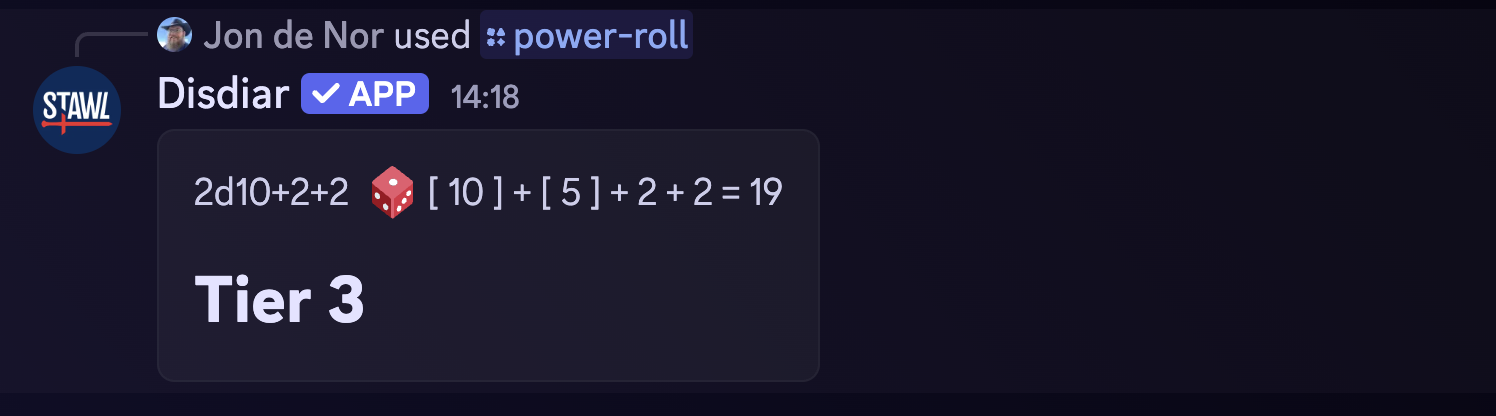
Disdiar have explicit support for power rolls. You can ask for a power roll and (optionally) add bonuses to the roll. You can add a double edge by adding double edge or de to the bonuses. edge and e are supported for edges, double bane and db for double banes, and bane and b for banes.

will roll for power with a +2 bonus and an edge. The result looks something like this:
Repeated Power Rolls
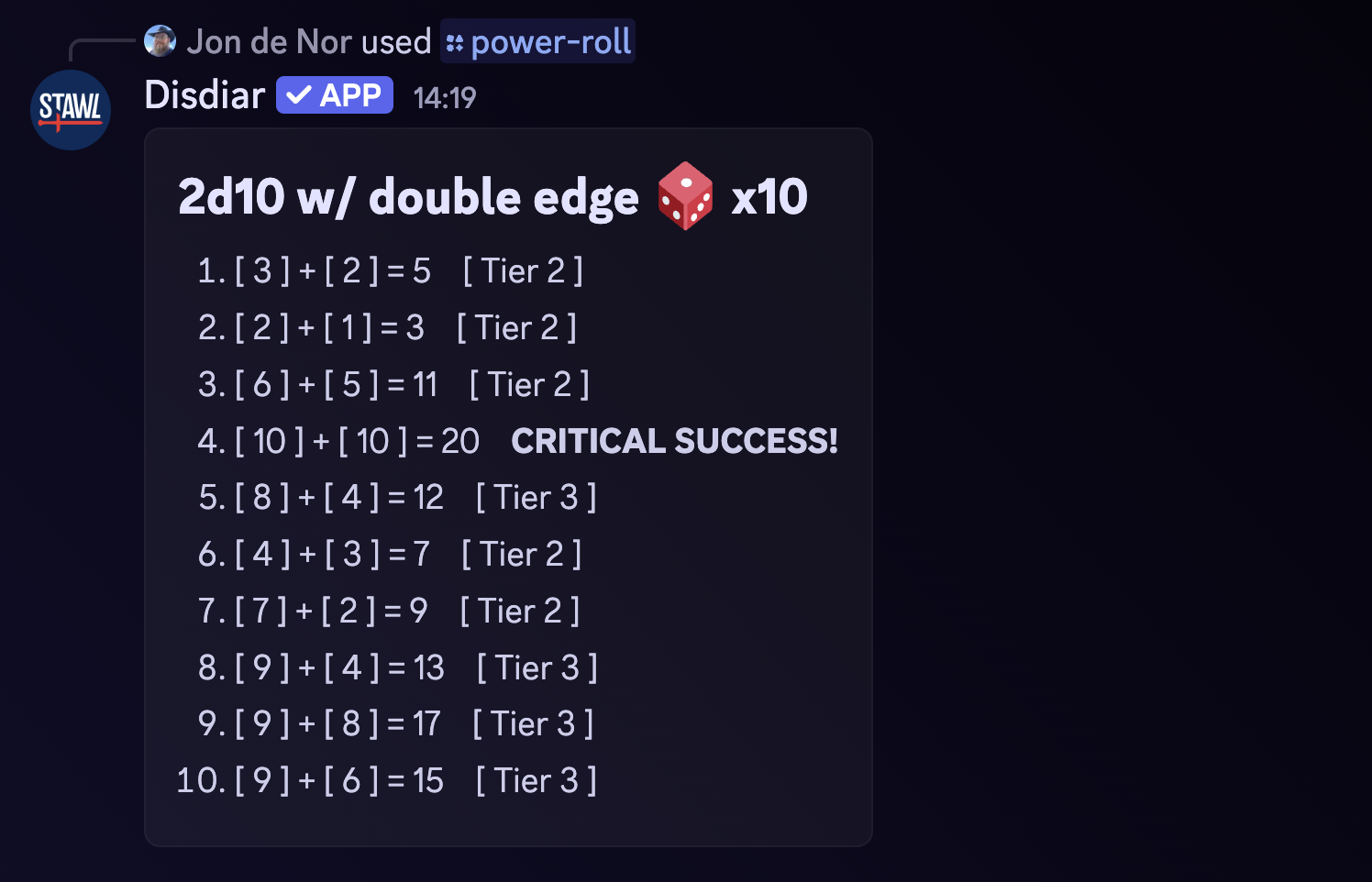
It's also possible to roll for power multiple times. Use the repeat option to specify how many times you want to roll.

will return the result of rolling for power with a double edge ten times. The result looks something like this:
Test Rolls
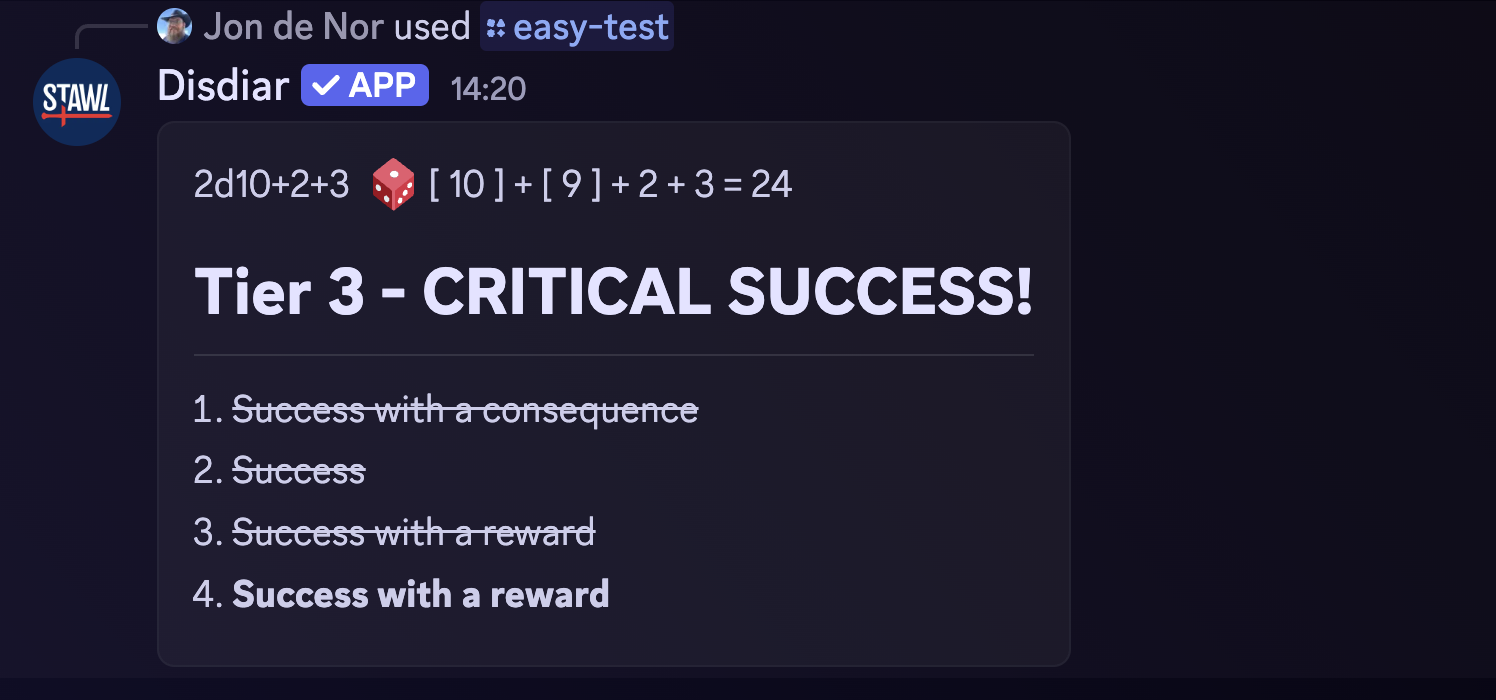
Disdiar can also roll for tests. You can add a bonus to the roll, and add a double edge, edge, double bane, or bane to the roll, using the same syntax as for power rolls. Use /easy-test, normal-test, or hard-test to roll a test with the respective difficulty.

will roll an easy test with a +3 bonus and a double edge. The result looks something like this:
Project Rolls
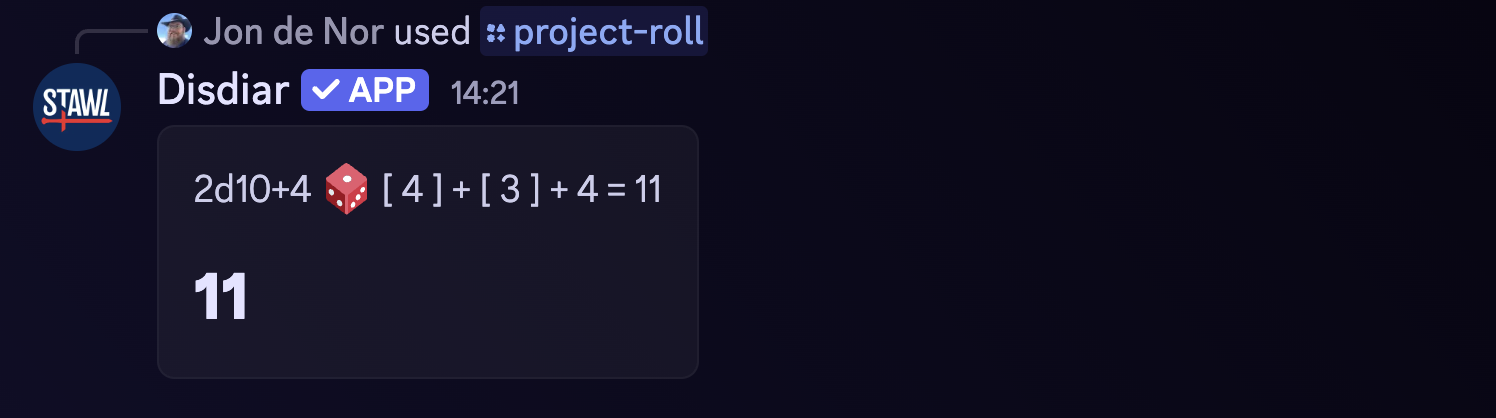
Disdiar can also roll for project progress. You can add a bonus to the roll, and add a double edge, edge, double bane, or bane to the roll, using the same syntax as for power rolls. Use /project-roll to roll for project progress. The project roll also handles double edges and double banes correctly, as +4 and -4 bonuses.

will roll an project-roll with a double edge. The result looks something like this:
Repeated Project Rolls
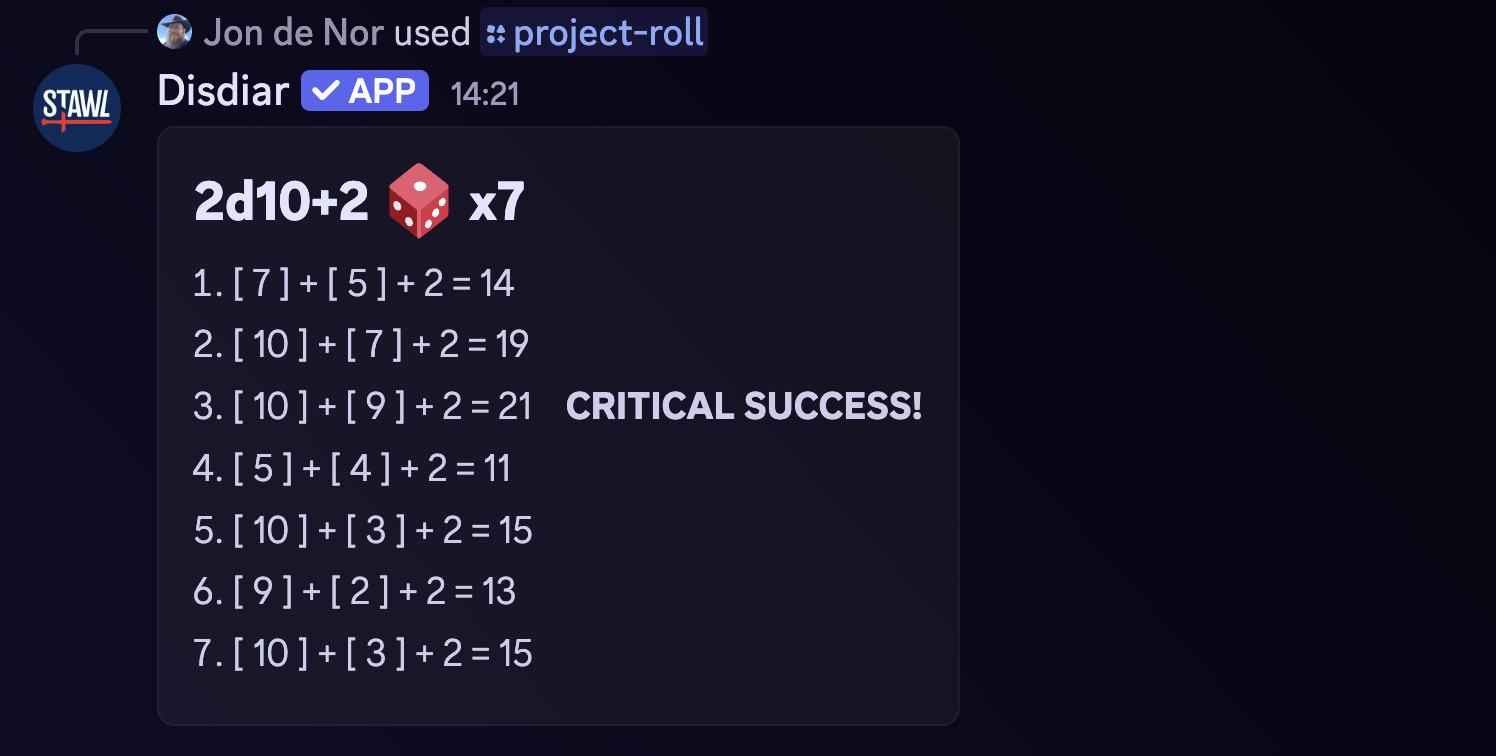
Disdiar can also roll for project progress multiple times. Use the repeat optiokn to specify how many times you want to roll. This is especially useful when doing multiple respites in a row.

will return the result of rolling for project progress seven times. The result looks something like this:
Monster Lookup
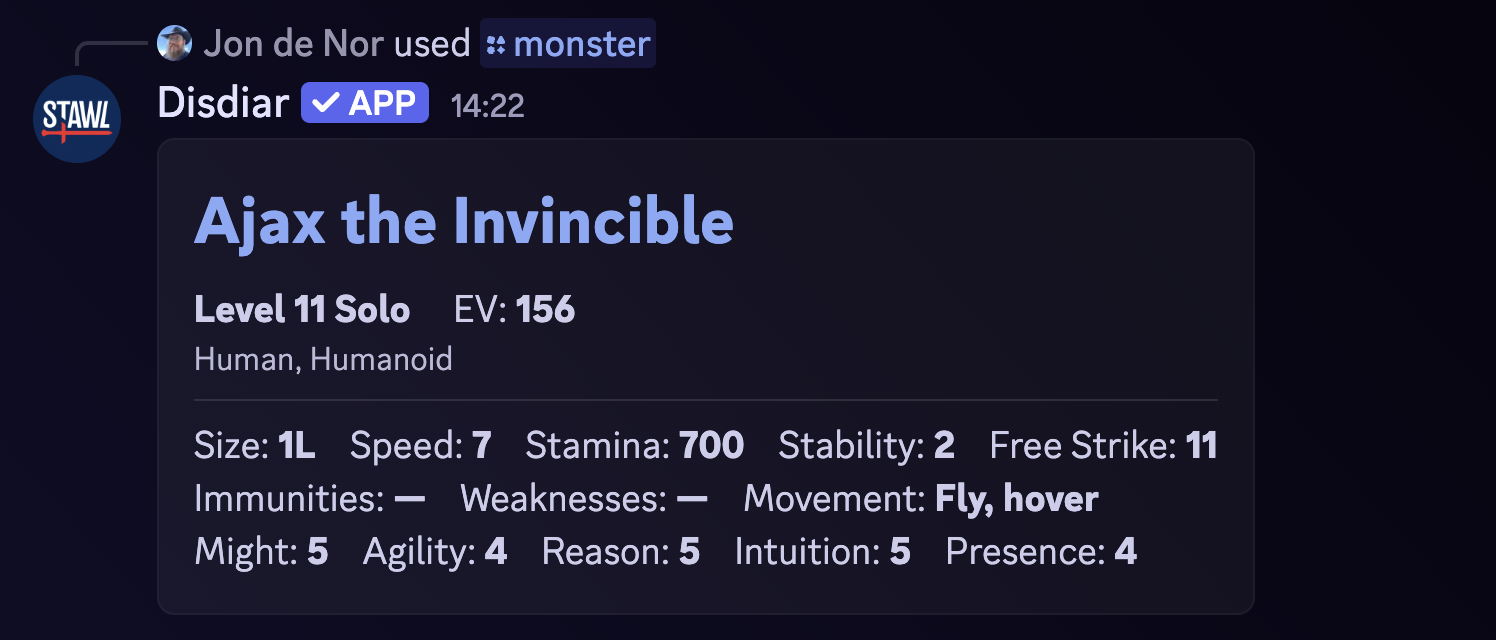
Disdiar can look up monsters. Use the /monster command to search for a monster by name. It matches to anywhere in the monster name, so you can use a partial name to find the monster you're looking for.

will return the first monster that contains brawler in its name. The result looks something like this:
Condition Lookup
Disdiar can look up conditions. Use the /condition command to search for a condition by name. It matches to anywhere in the condition name, so you can use a partial name to find the condition you're looking for.

will return the first condition that contains weak in its name. The result looks something like this:

Item Lookup
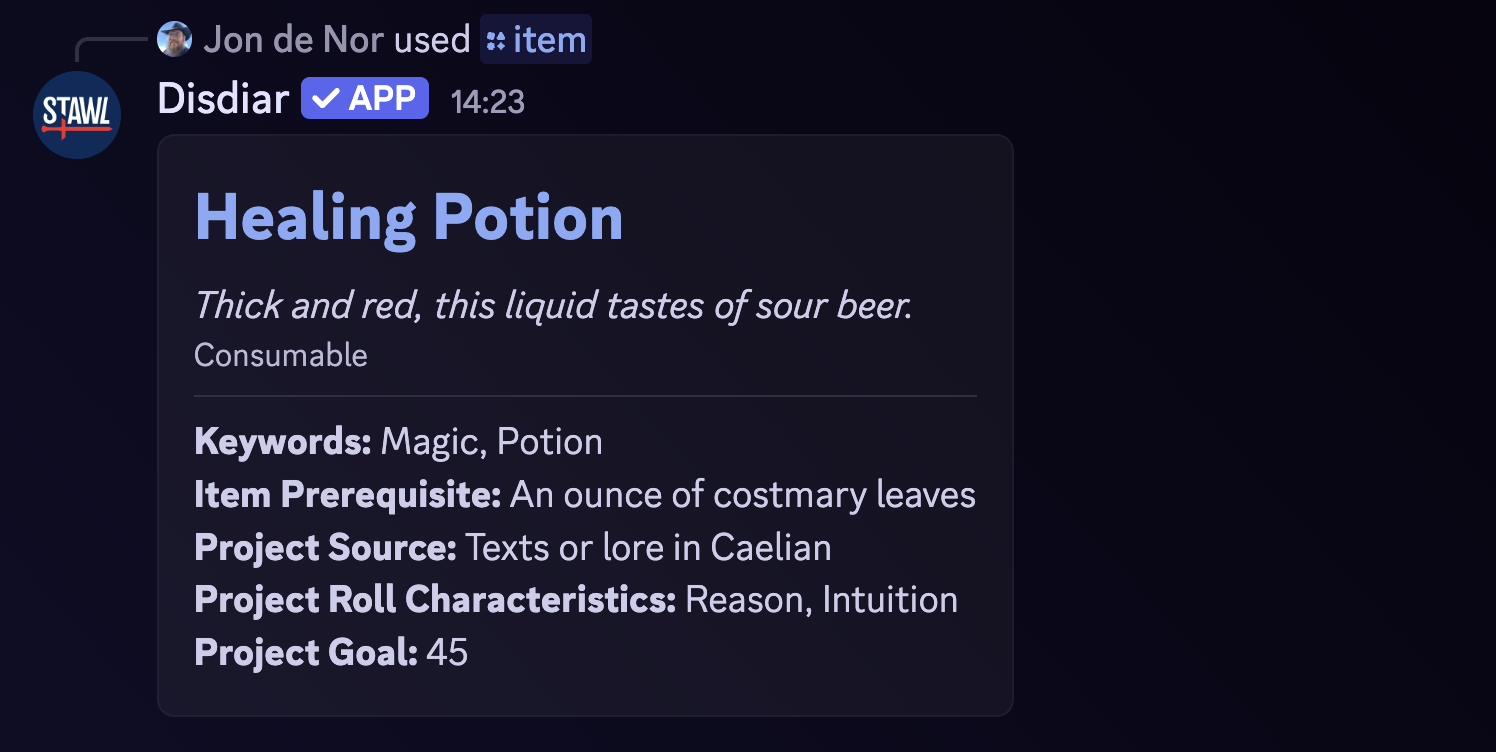
Disdiar can look up items. Use the /item command to search for an item by name. It matches to anywhere in the item name, so you can use a partial name to find the item you're looking for.

will return the first item that contains healing in its name. The result looks something like this:
Glossary Lookup
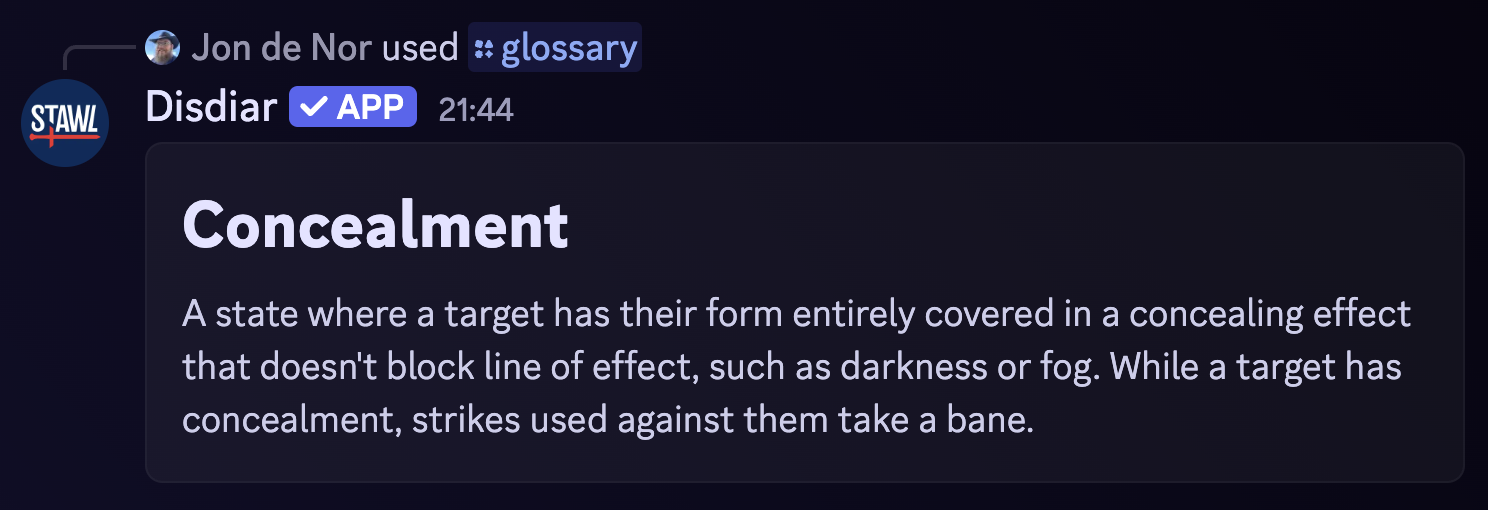
Disdiar can look up rules. Use the /glossary command to search for an rule by name. Discord will show potential matches as you type.

will return the first rule that contains con in its name. The result looks something like this: